
Watch your context rot.
A Claude Code mod. The Claude logo sits above the prompt, top right, and decays as the context window fills. Compact or clear and it heals.
Four stages
of decay.
The logo is the gauge. You can tell how full the window is without reading a number.
-
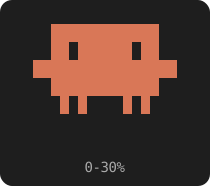
Fresh
0-30%Plenty of room left. The logo looks like the logo.
-
Zombie
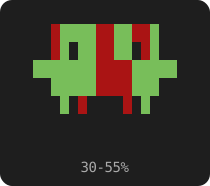
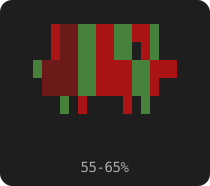
30-65%Past 30% it turns green and starts to bleed. The blood keeps spreading until 65%.
-
Bone
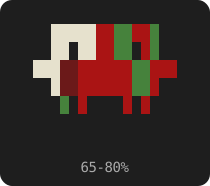
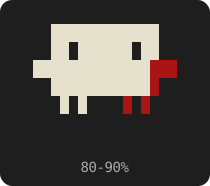
65-90%Bone breaks through at the top-left of the head and works its way across.
-
Skeleton
90%+At 90% it's a skeleton. Time to compact.

Install.
One command inside Claude Code. Answer y to add the marketplace, then pick the user scope.
Claude Code
/plugin install context-zombie --marketplace thepragmaticbear/context-zombieTry the stages
/zombie 75    # any value from 0 to 100
/zombie off   # reset
No need to burn a context window to see the skeleton. /compact or /clear heals it for real.